The diacritic challenge
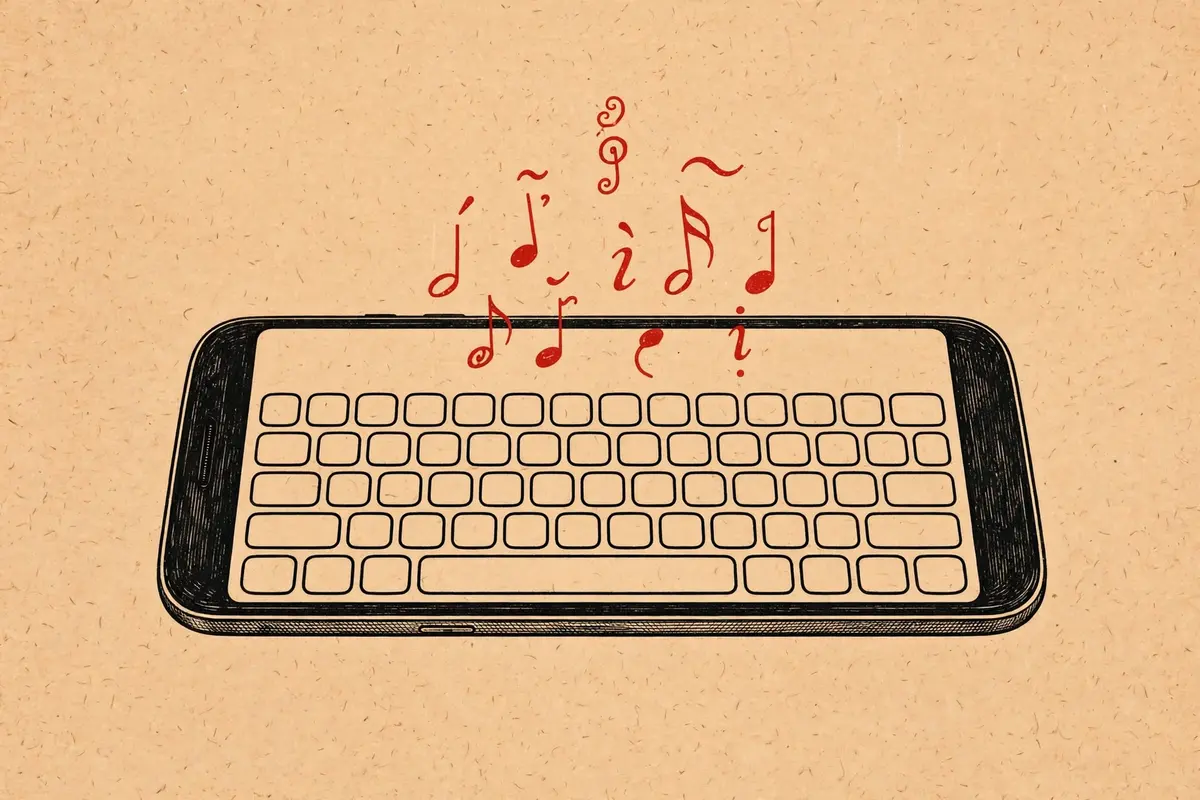
Vietnamese is a tonal language with a rich set of diacritics, and typing it well on a phone keyboard is a genuine skill. A single missing tone mark can turn "ma" into a ghost, a mother, or a horse. Getting the marks right matters, whether you are commenting on a site like the one behind the KhoindVN APK or messaging family.
Pick your input method: Telex or VNI
Telex is the most popular phone method: you type tone marks with letter keys, so "tieengs Vieetj" becomes "tiếng Việt." It keeps your fingers on the home row and is fast once learned. VNI uses number keys for marks instead, which some desktop converts prefer. Most Android keyboards, including Gboard, support Telex out of the box.
To enable it in Gboard: Settings, Languages, add Vietnamese, and choose Telex as the input style. Two minutes, once, and every app on your phone types Vietnamese correctly.
Keyboard apps worth trying
Gboard remains the default recommendation: excellent Vietnamese prediction, glide typing that understands tone marks, and voice input that handles Vietnamese surprisingly well. Laban Key, made by Vietnamese developers, is the beloved local alternative with deep customization for Telex and VNI users.
Whichever you choose, turn on auto-correction for Vietnamese specifically; the predictions learn your vocabulary, including the proper nouns and slang that generic dictionaries miss.
Fixing common frustrations
- Marks landing on the wrong vowel: you are likely in VNI mode while typing Telex, or vice versa. Check the input style in keyboard settings.
- Prediction suggesting the unmarked word: type the full marked form a few times; the dictionary learns quickly.
- Marks disappearing in some apps: the app's font lacks Vietnamese glyphs. Paste into a notes app to confirm your input is correct.
Reading Vietnamese sites comfortably
Once typing is sorted, reading is the pleasure. Vietnamese personal sites and indie blogs, the world our indie websites guide tours, render beautifully in apps like KhoindVN, where the site's own typography does the talking. And if you are curious how Hanoi itself reads on phones, Hanoi mobile culture is a fine next chapter.