
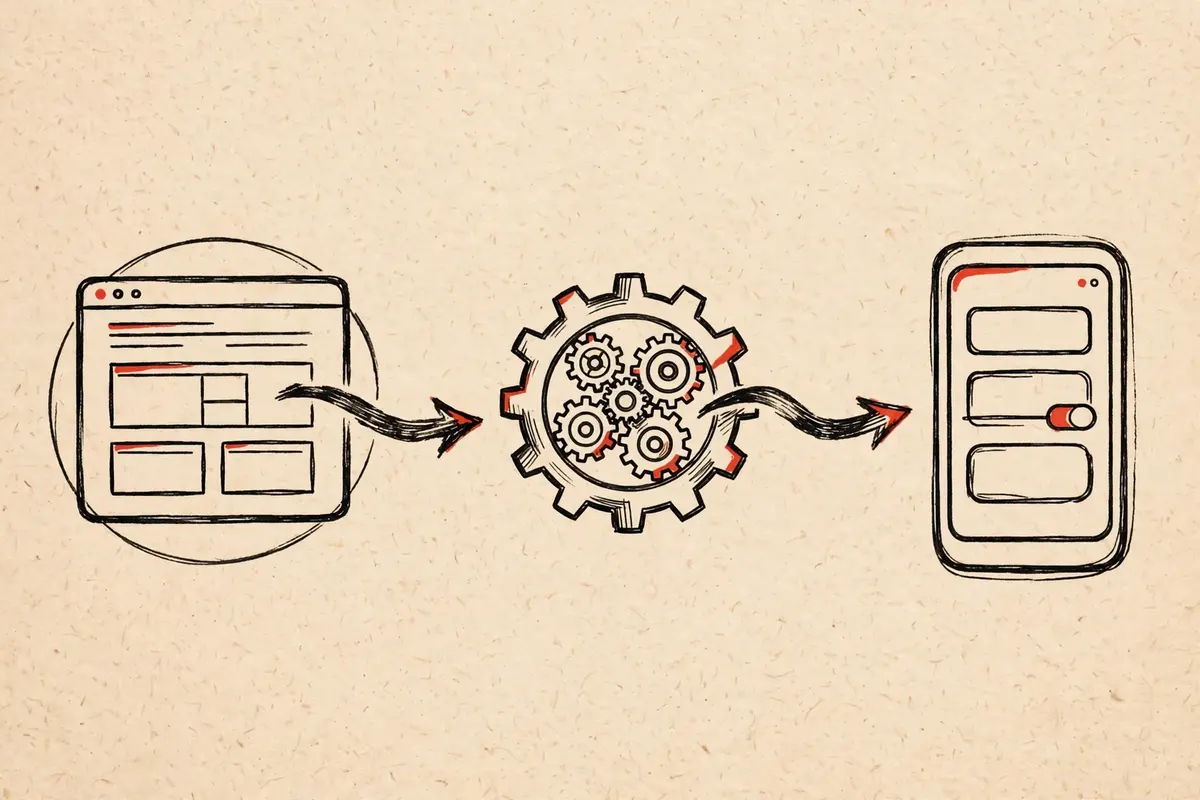
The anatomy of a wrapper
A wrapper like the KhoindVN APK is one of the simplest Android apps that can exist. Its anatomy has three parts: an icon and name, a single screen containing a WebView, and one line of configuration saying which URL to load. Everything else you see, every article and image, is the website, arriving live over the internet.
Our WebView explainer covers what this means for users; this piece is about how the thing gets made.
Step 1: the shell
The developer creates a standard Android project and adds a WebView component filling the screen. A few dozen lines of code handle the essentials: loading the URL, letting the back button navigate page history instead of closing the app, and keeping links inside the app rather than escaping to a browser. That is genuinely most of the work.
Step 2: the polish
Then the small decisions that separate a good wrapper from a lazy one: a proper app icon, the right display name, a splash behavior that does not flash white, handling of offline states with a friendly message instead of a raw error. None of this is hard; all of it is the difference between "someone's weekend project" and software you would recommend.
Step 3: signing and shipping
The app is compiled, signed with the developer's key, and published as an APK. Signing matters more than it sounds: the signature is what lets your phone trust that version 1.1 comes from the same author as version 1.0. It is also why our safety check starts with verifying the file itself.
What it costs, honestly
A competent developer can build a solid wrapper in an afternoon. The ongoing cost is near zero: the site does the evolving, the app just keeps opening it. That economics is why personal sites, the subjects of our indie websites tour, are perfect wrapper candidates. The site owner gets an app without maintaining one.